

Networks and low-current infrastructure
Your network starts with where you use your devices
Where do you use your devices? We plan Wi-Fi, cabling and the network cabinet around how you use the space, giving each connection a clear purpose.
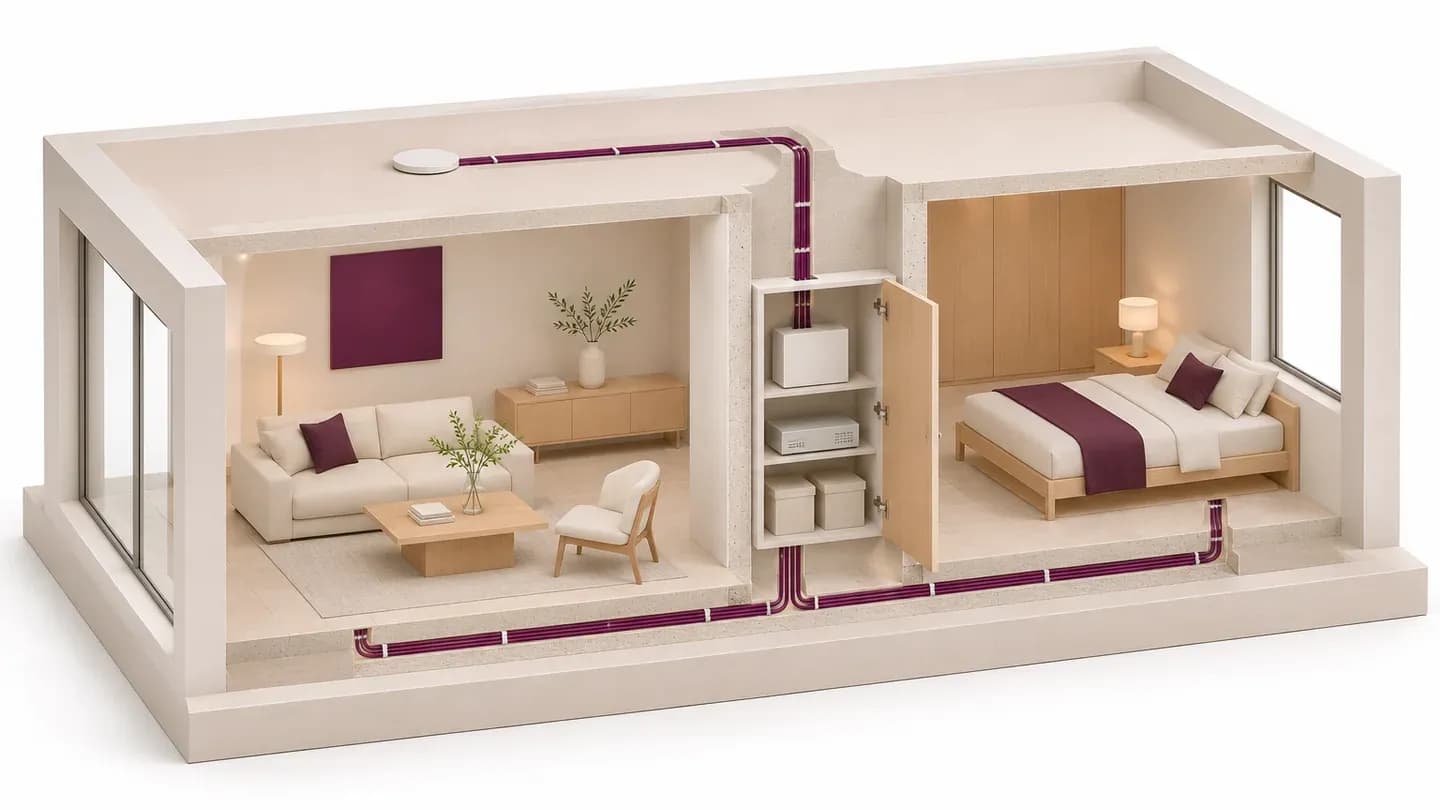
Where does the network begin?
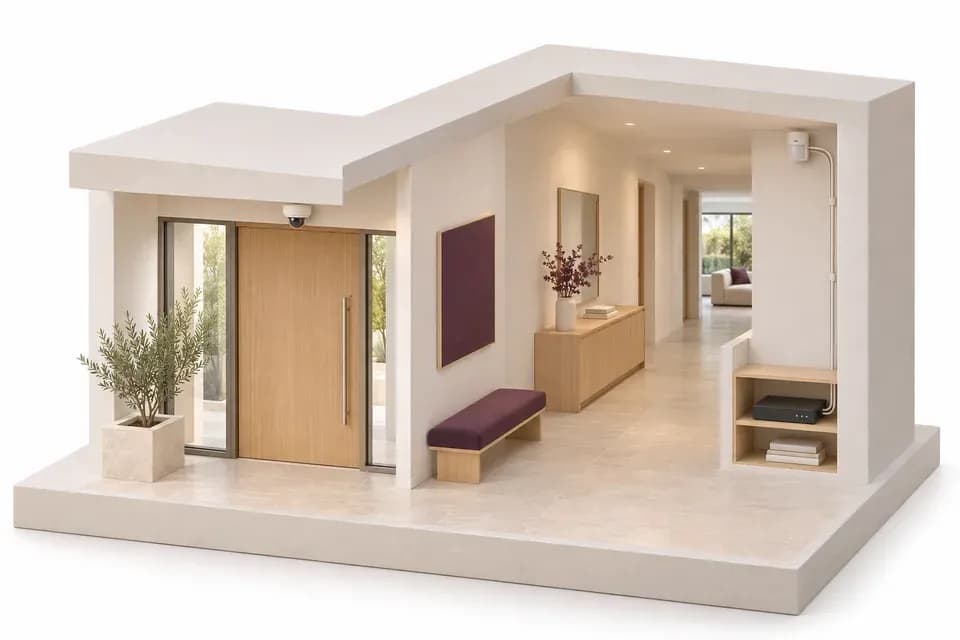
Explore the cabling, Wi-Fi access point and network cabinet that connect the devices.
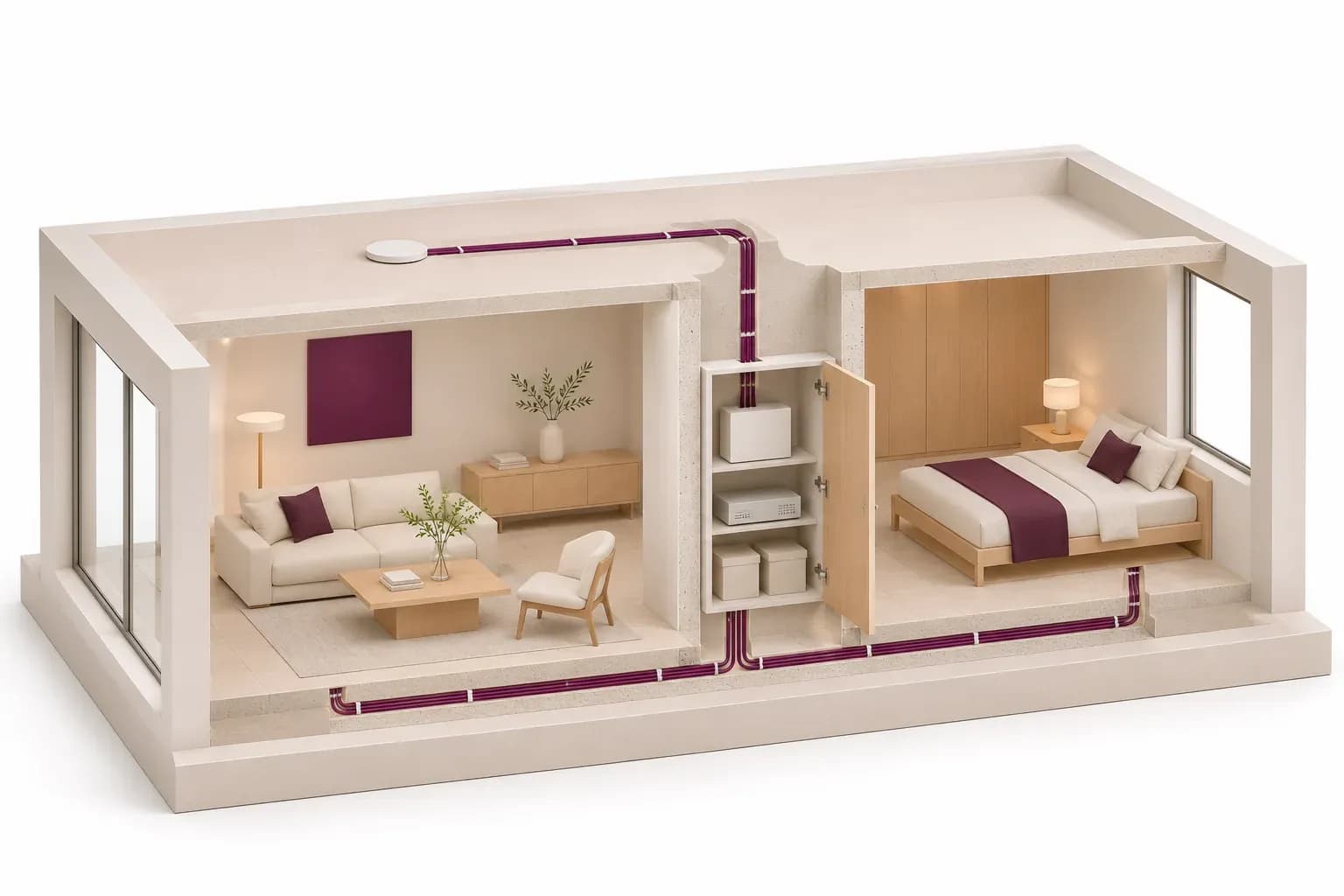
Wi-Fi access point
The Wi-Fi access point connects devices wirelessly to the network. Its position depends on coverage and building materials.
Cable route
These routes carry cabling for the network and systems such as intercoms and cameras. Their position needs coordination with other site work.
Network cabinet
The cabinet holds network equipment and connections, with power, cooling and space for servicing to consider.

What shapes the network?
We look at the space and how it is used before planning points and connections.
| Requirement | What we check |
|---|---|
| Room layout | Floor plans and building materials help us plan coverage and cable routes. |
| Devices and traffic | Device density and traffic inform the network design. |
| Network cabinet location | We consider cabinet space, power, cooling and access for servicing. |
| Expansion and labeling | We consider future expansion and connection labeling. |

Ways to connect devices
The choice depends on the equipment and the space.
Network connections
Wi-Fi connects devices wirelessly. Cabling and network points are selected around the devices and the layout of the space.
 Wi-Fi
 PoE

From room layout to network connections
1. Assess
We look at the layout, building materials, devices and existing wiring.
2. Design
We define network points, routes and interfaces.
3. Coordinate
We coordinate low-current routes and equipment needs with the relevant teams.
4. Test and hand over
We test the network and document its connections, then explain how to use it at handover.


Network products
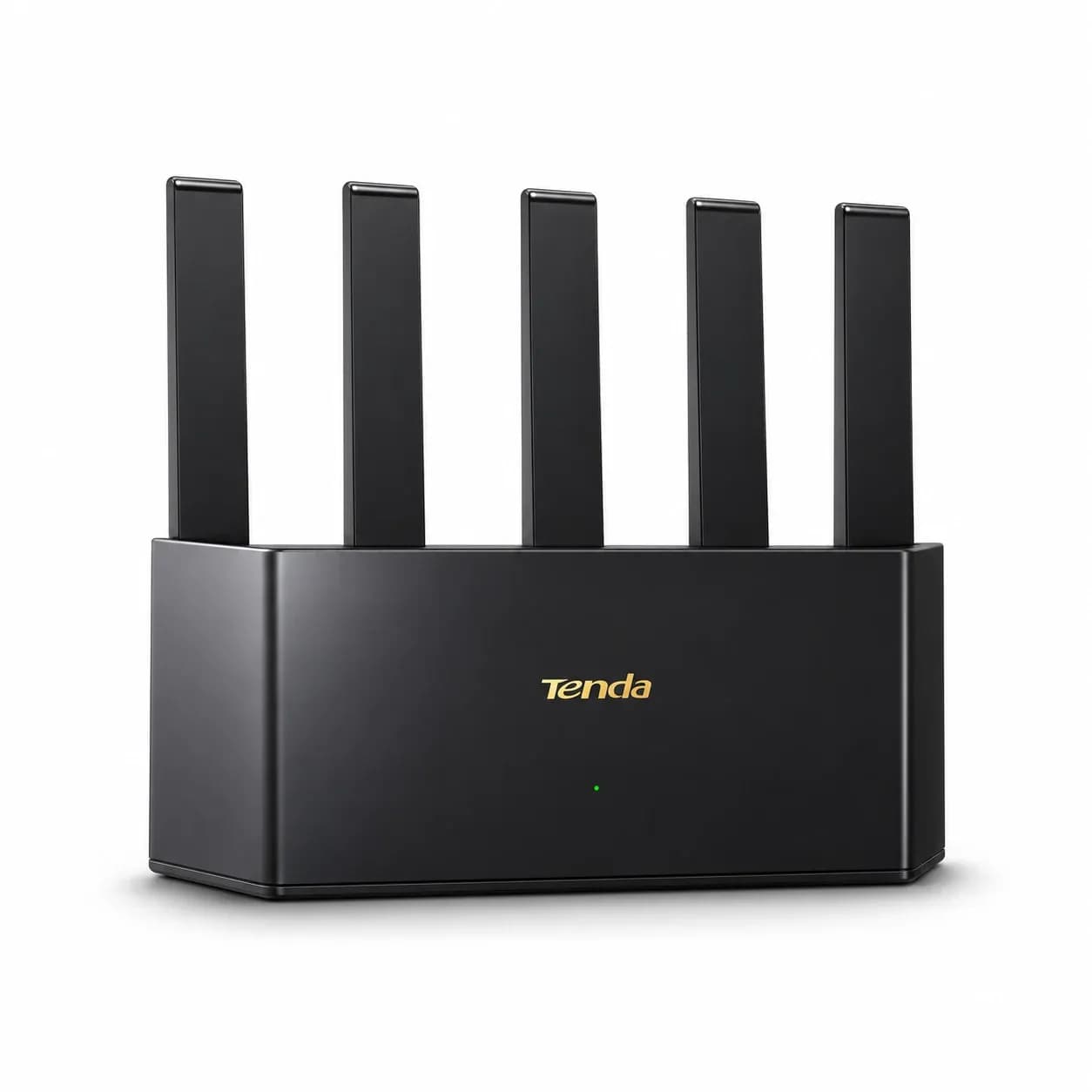 Tenda TX2LPRO Wireless RouterWireless router that shares your internet connection over Wi-Fi with the devices at home.
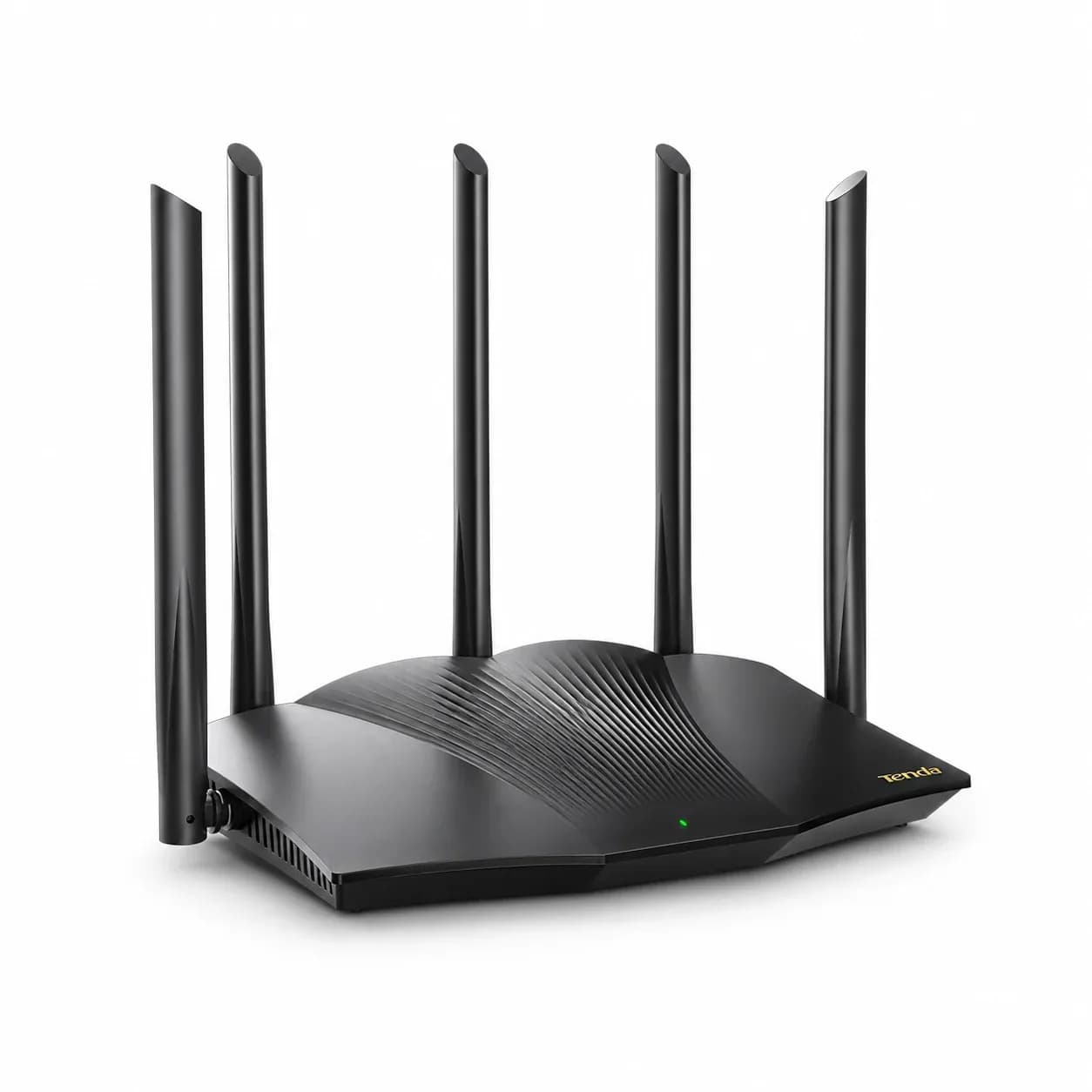 Tenda TX12 pro Wireless RouterWireless router that shares your internet connection over Wi-Fi with the devices at home.
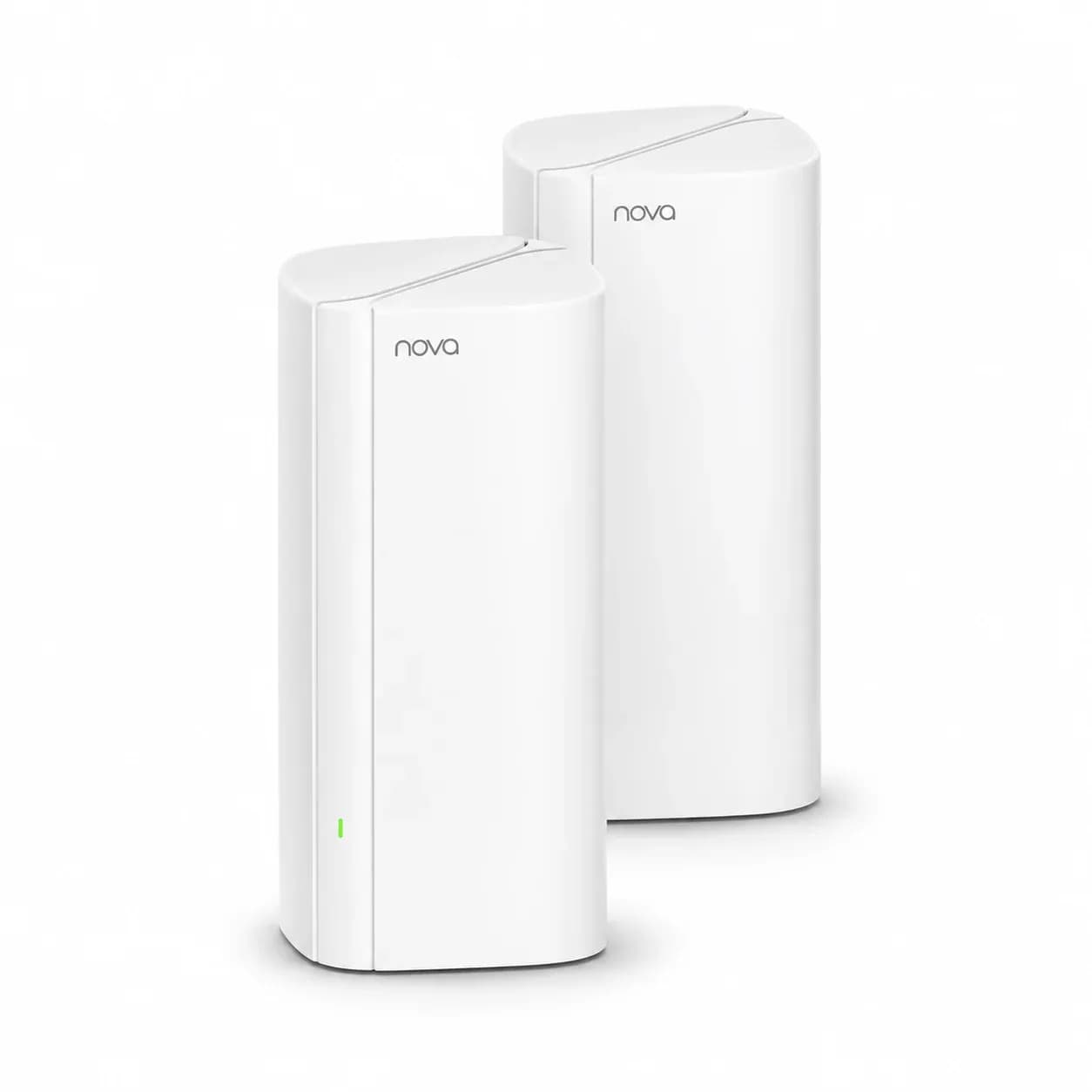 Tenda NOVA EX12 Mesh Wi-Fi System, 2-PackMesh Wi-Fi system that covers your home with one network. This is the 2-pack.
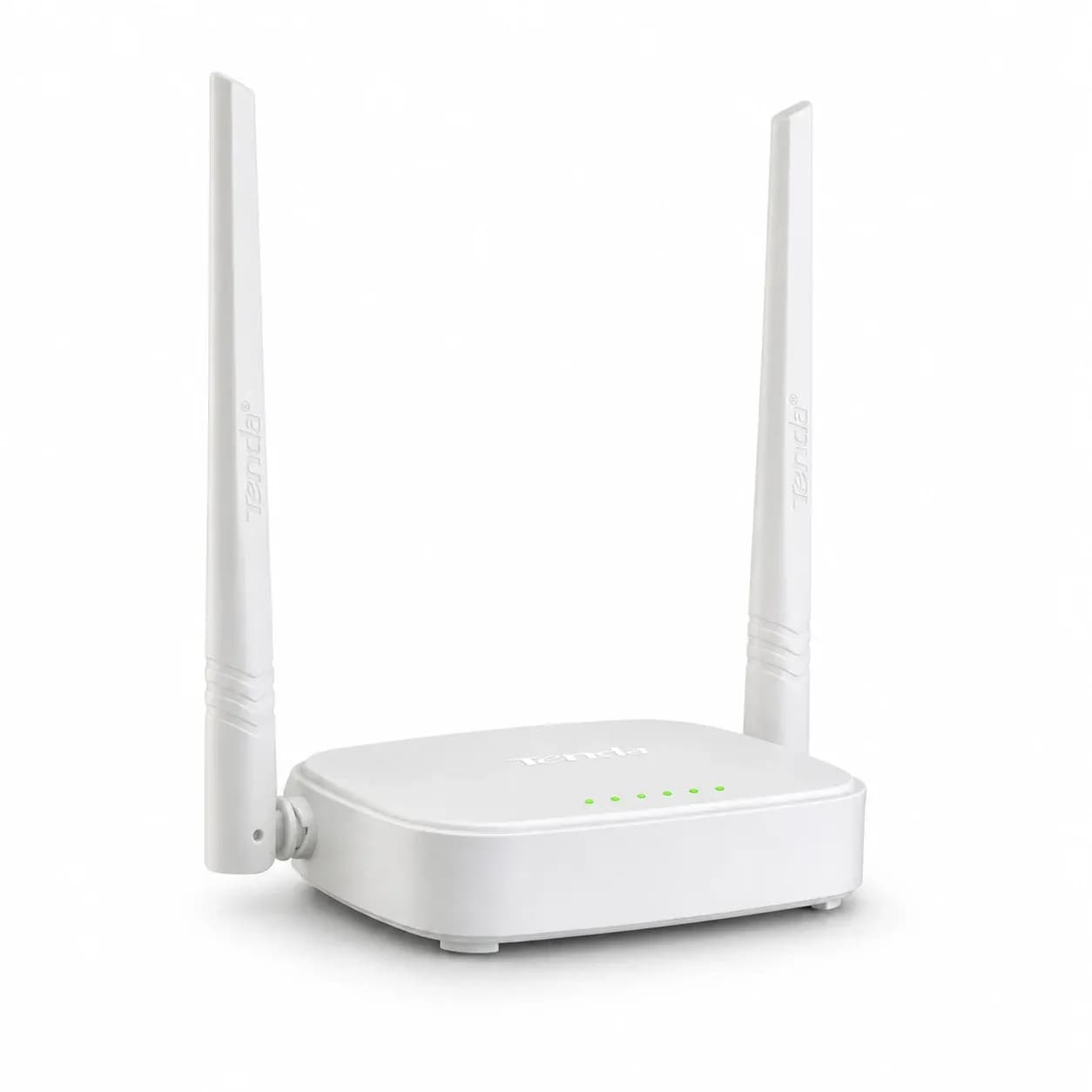 Tenda N301 Wireless RouterWireless router that shares your internet connection over Wi-Fi with the devices at home.
Solutions that work well together
Surveillance and alarms
Plan camera positions, alarm zones and recording retention with coverage and privacy in mind.
Explore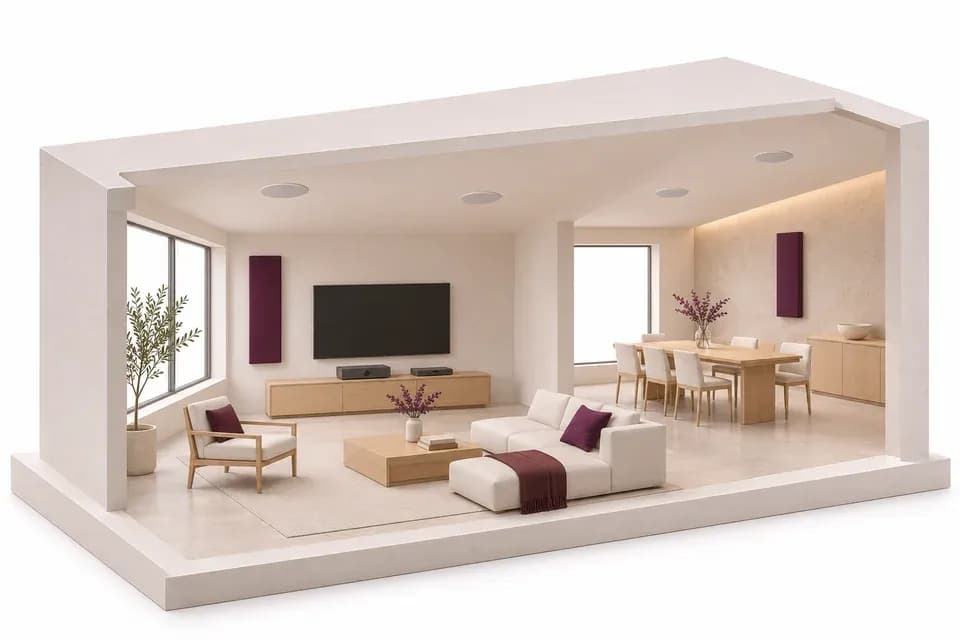
Audio, video and announcements
Explore audio, video and announcement planning for different areas.
Explore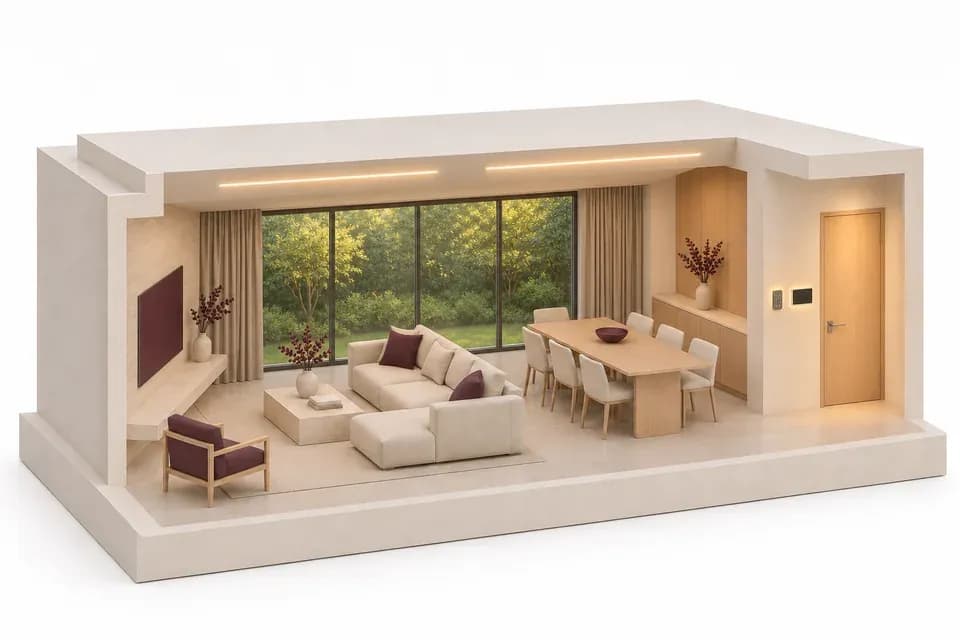
Home automation
Explore how we plan lighting, climate and curtain settings for leaving and coming home.
Explore

Common questions
Available routes and existing finishes determine that. We assess them alongside the room and device layout to identify possible connections and changes.
Where do your devices need a connection?
Tell us the layout, finishing stage and devices that will use the network.